
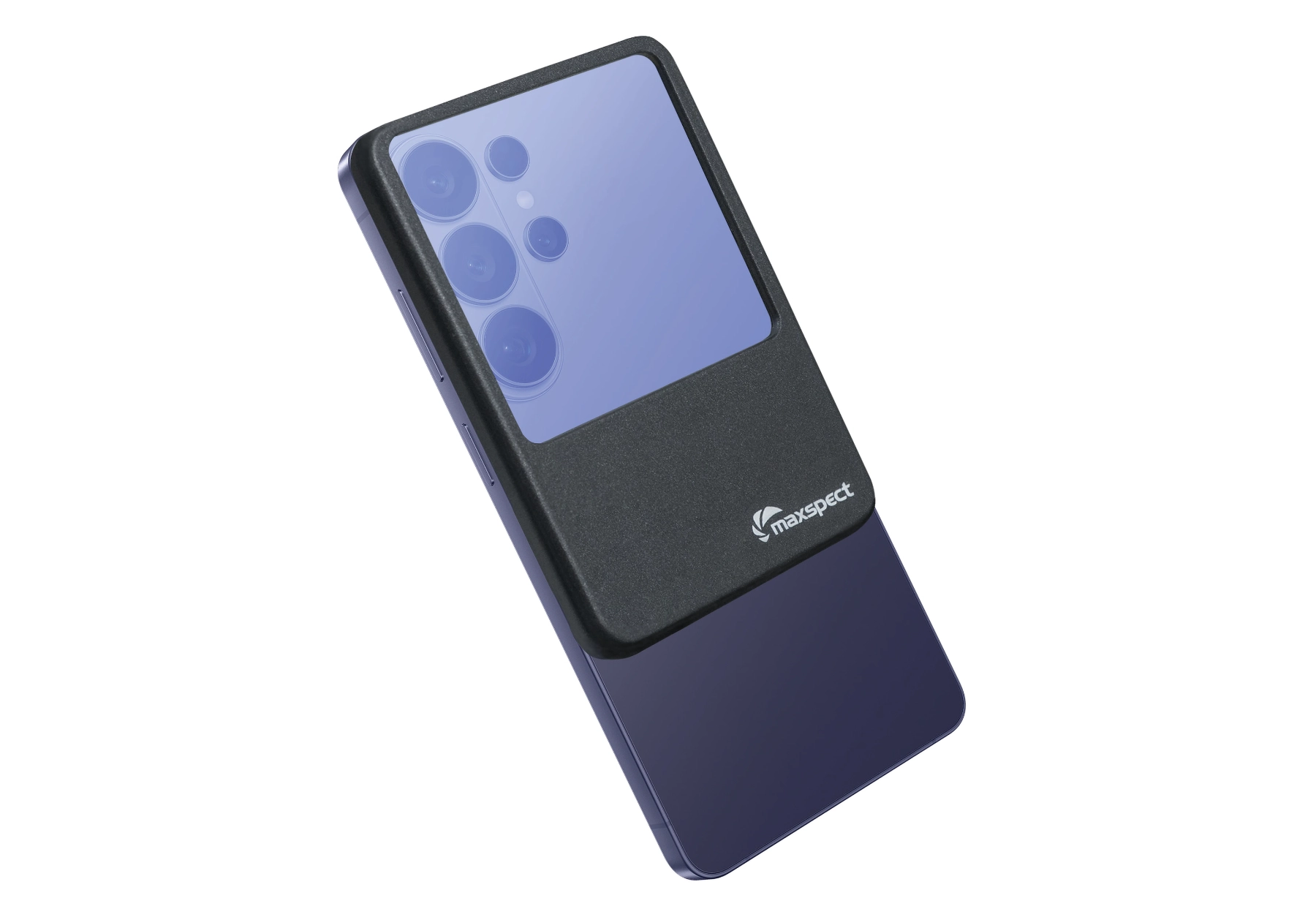
Bring your reef to life with every snap
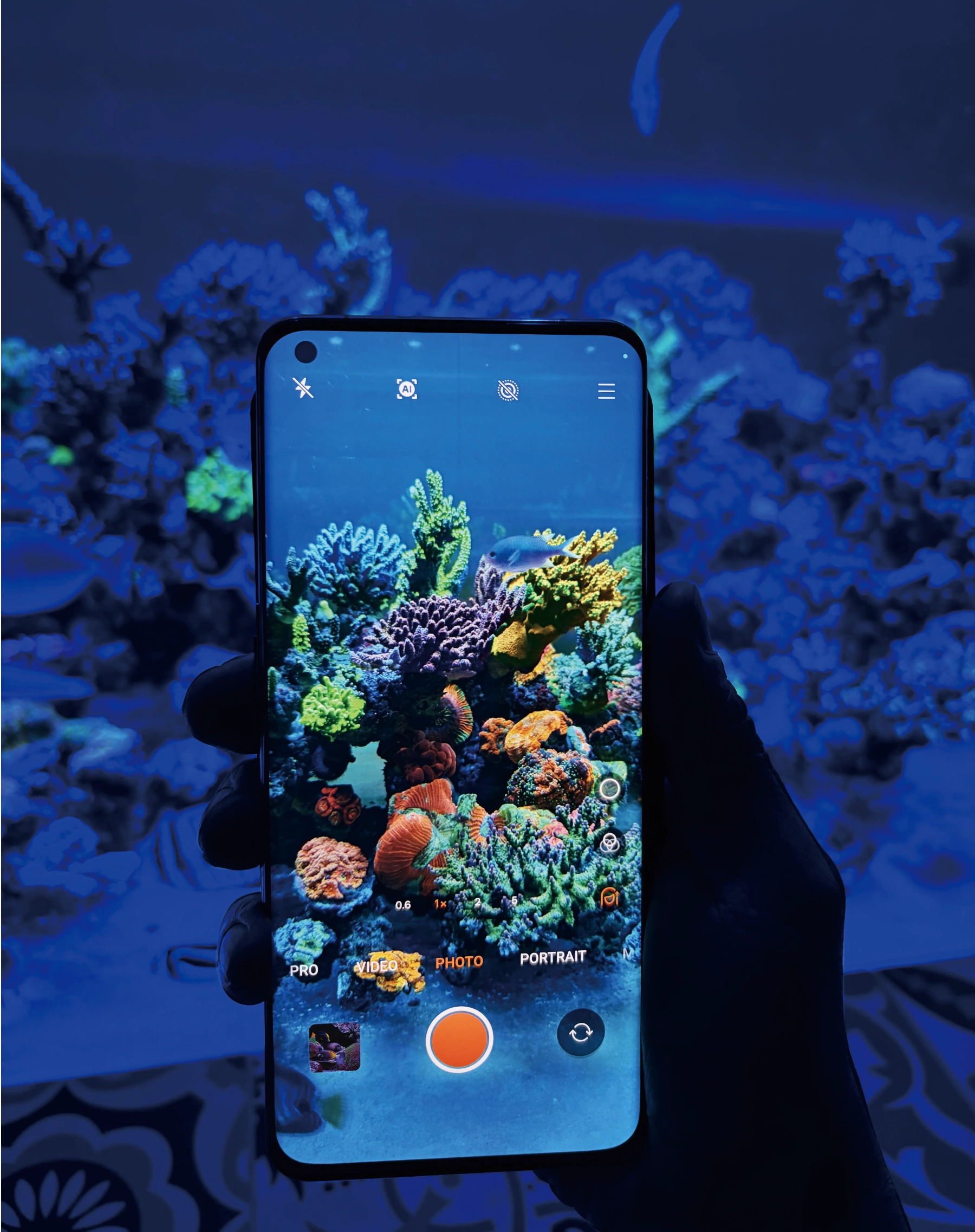
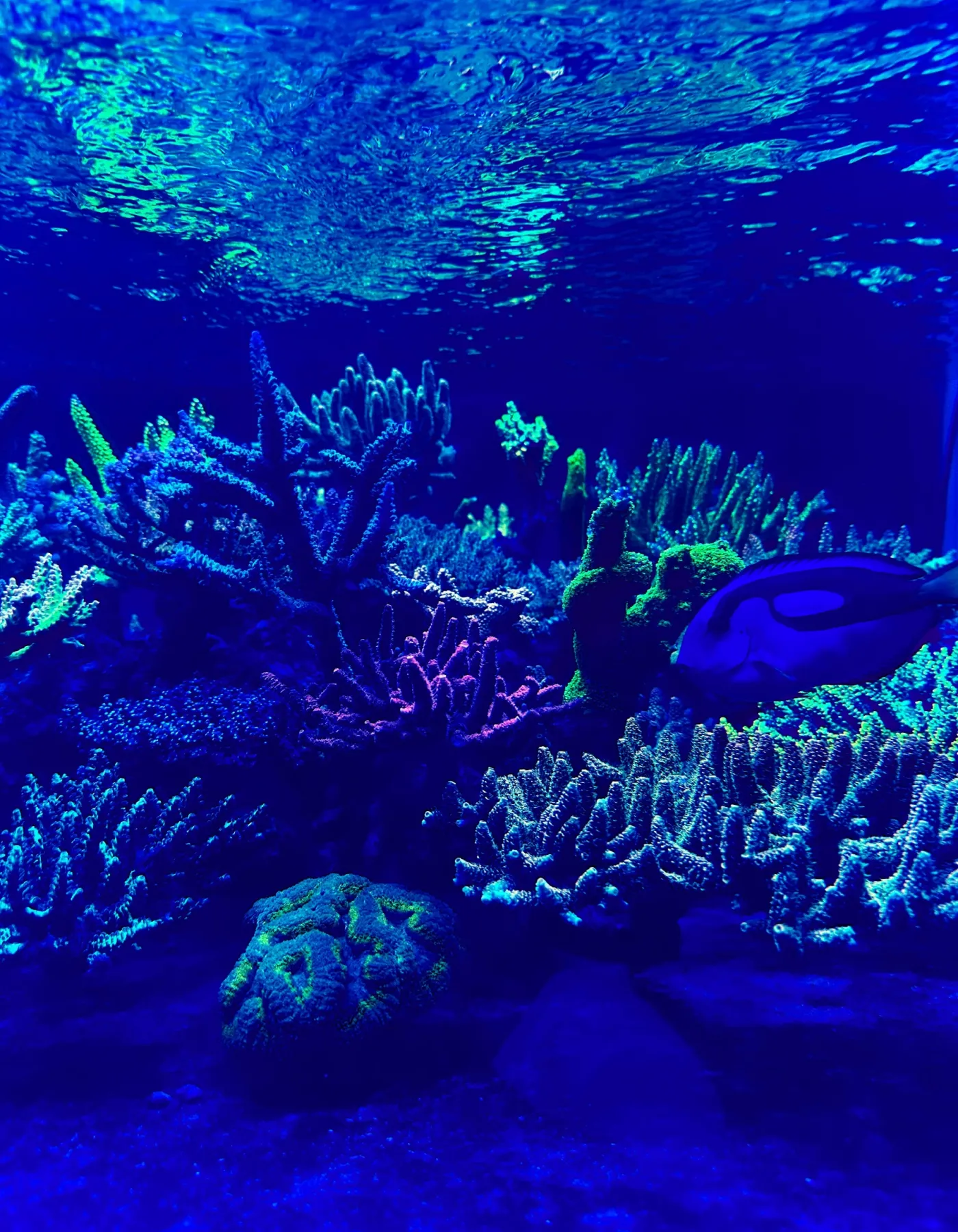
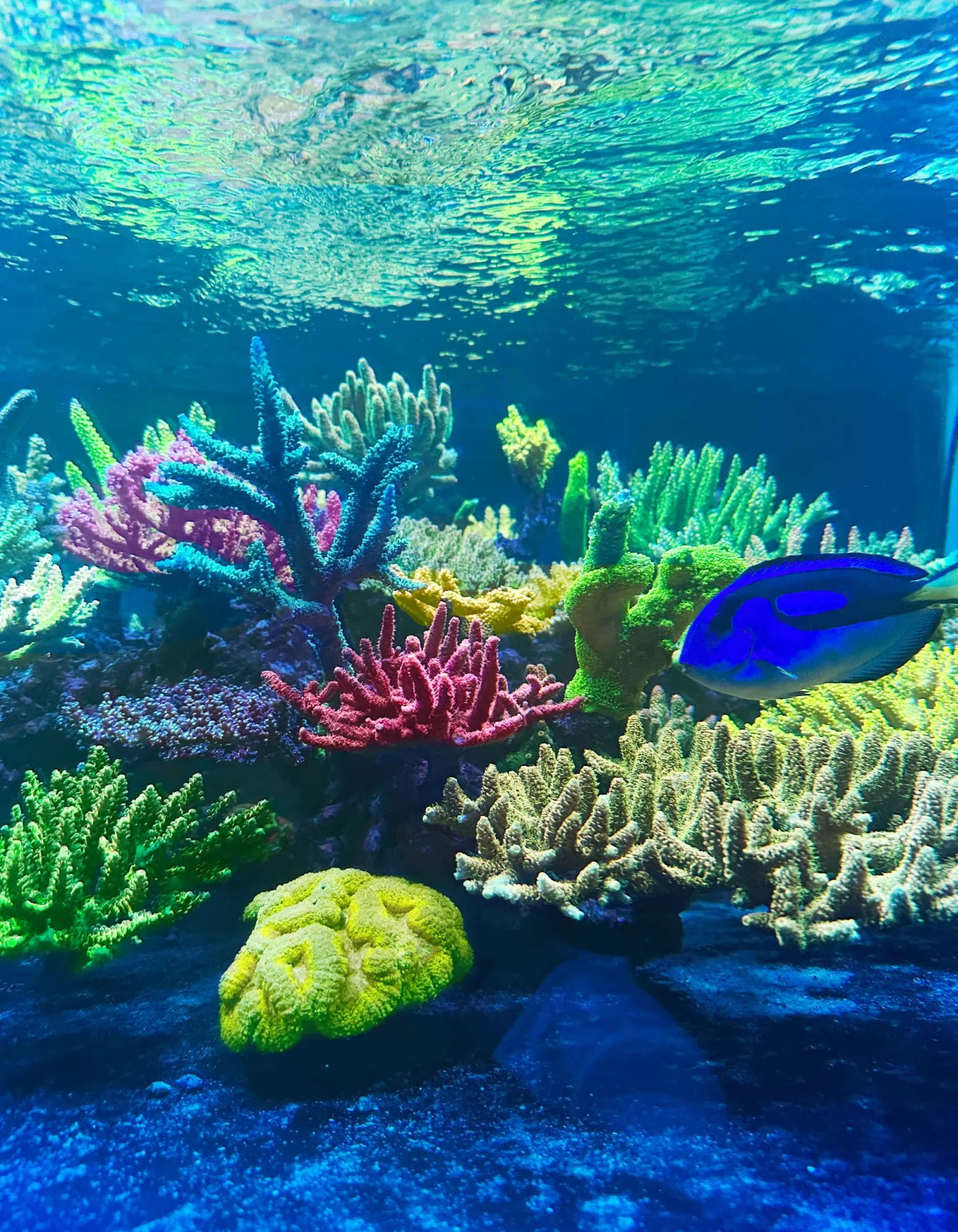
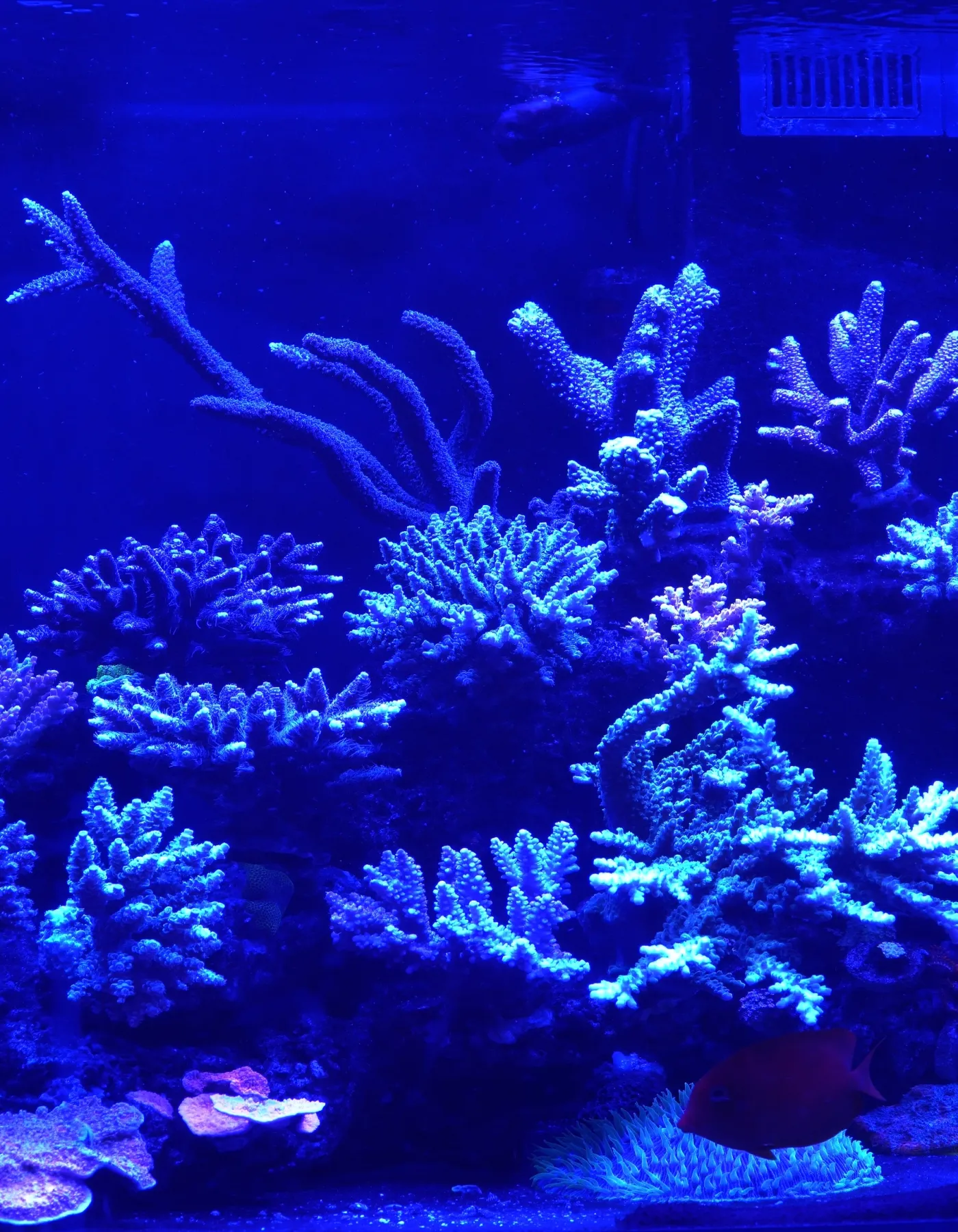
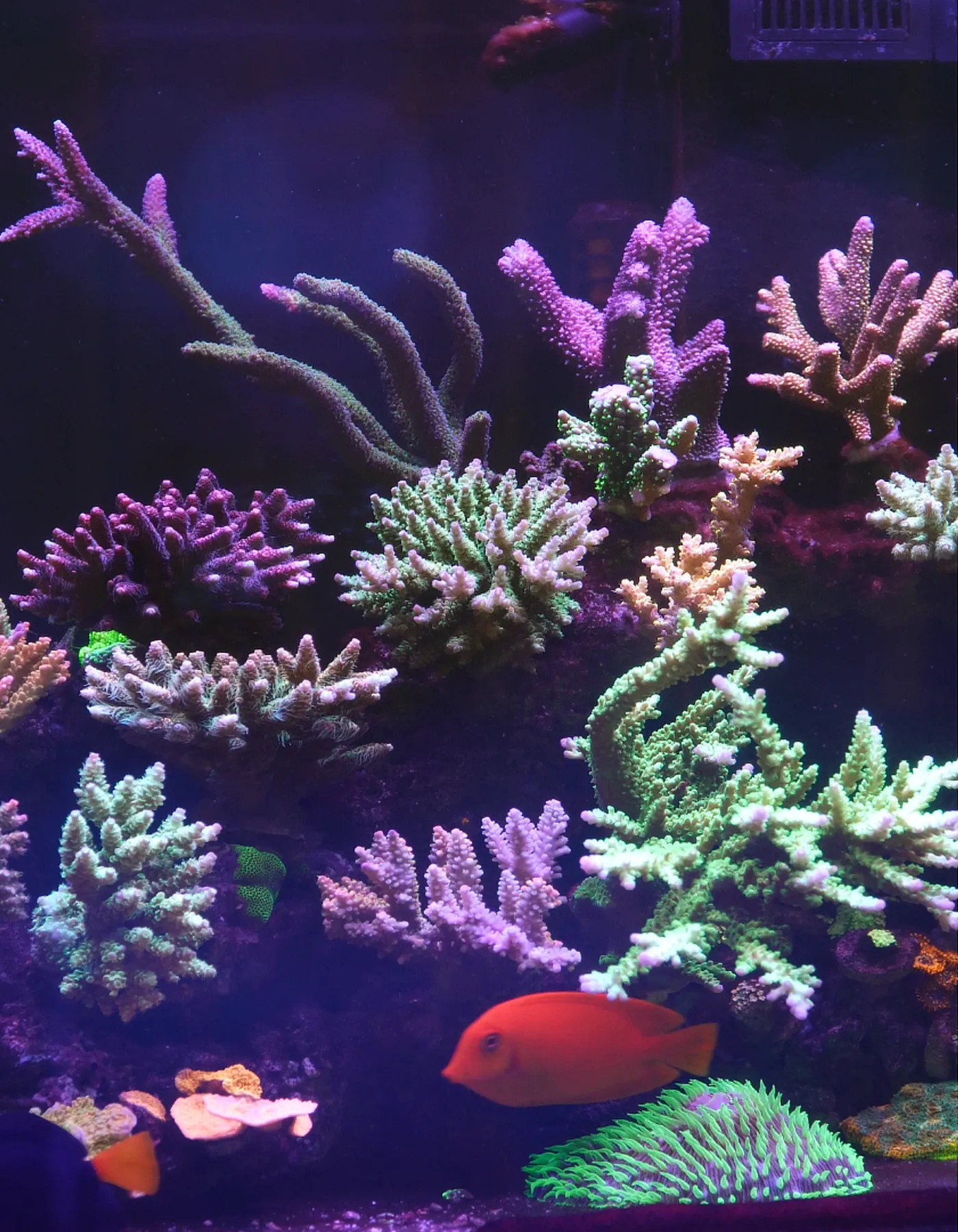
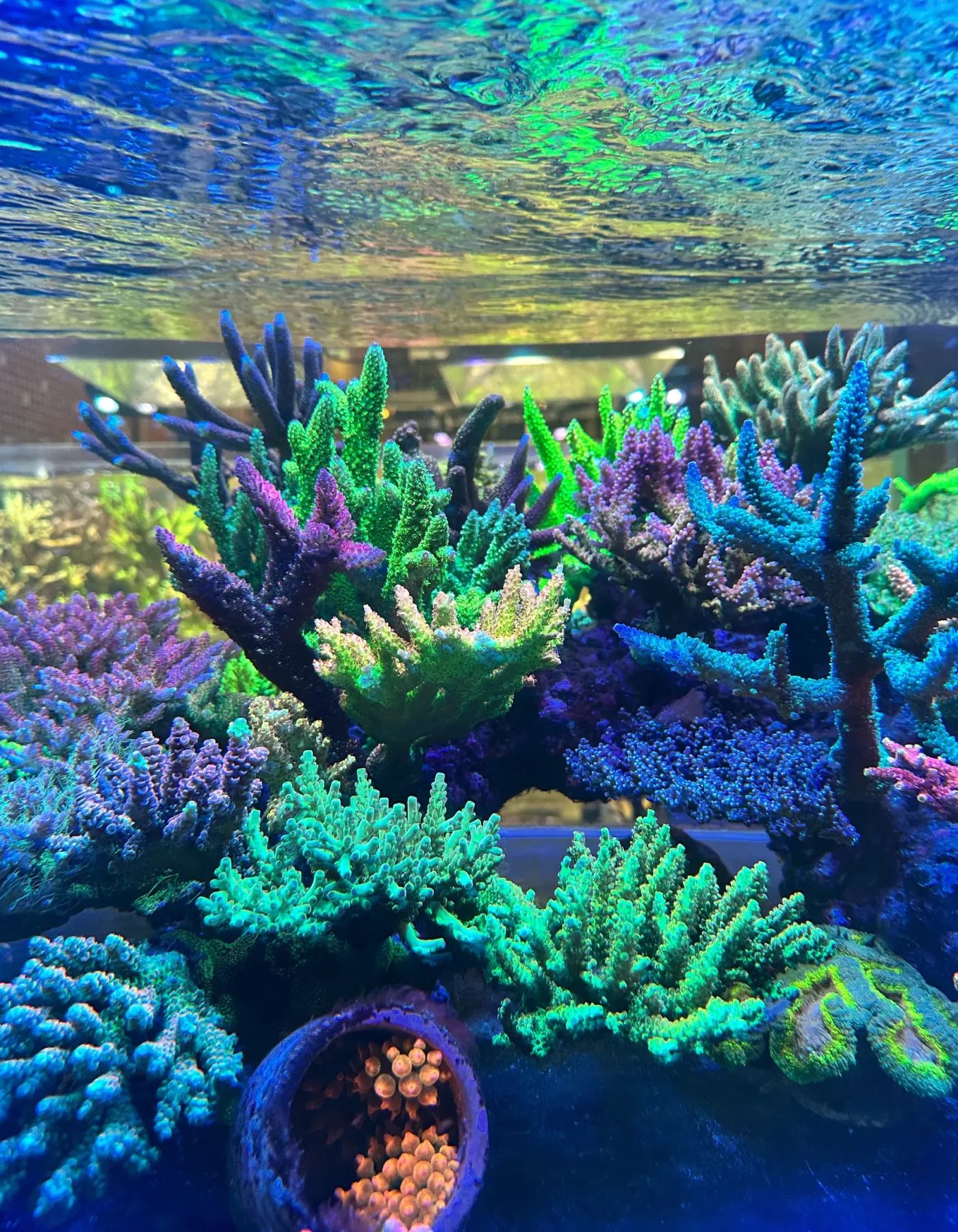
Capture the very true color and "pop" of your corals with ease.
How do normal acrylic filter lenses work
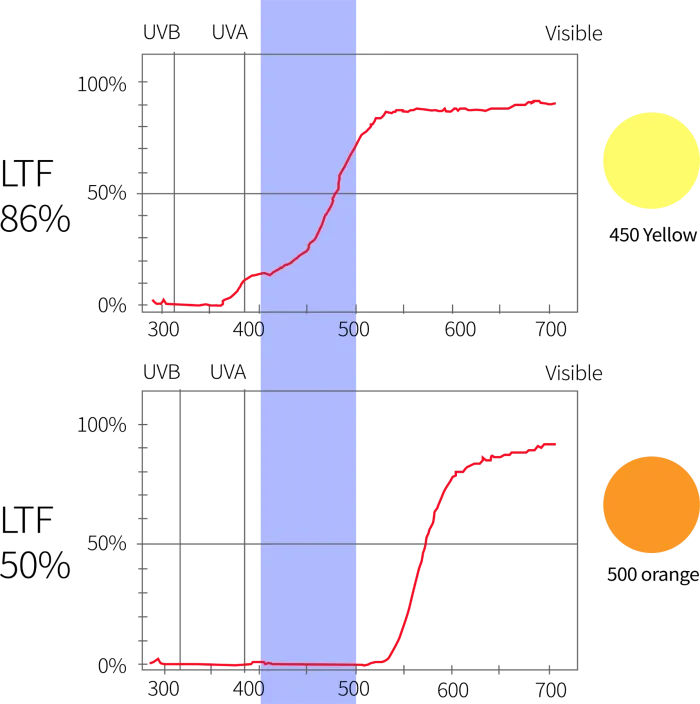
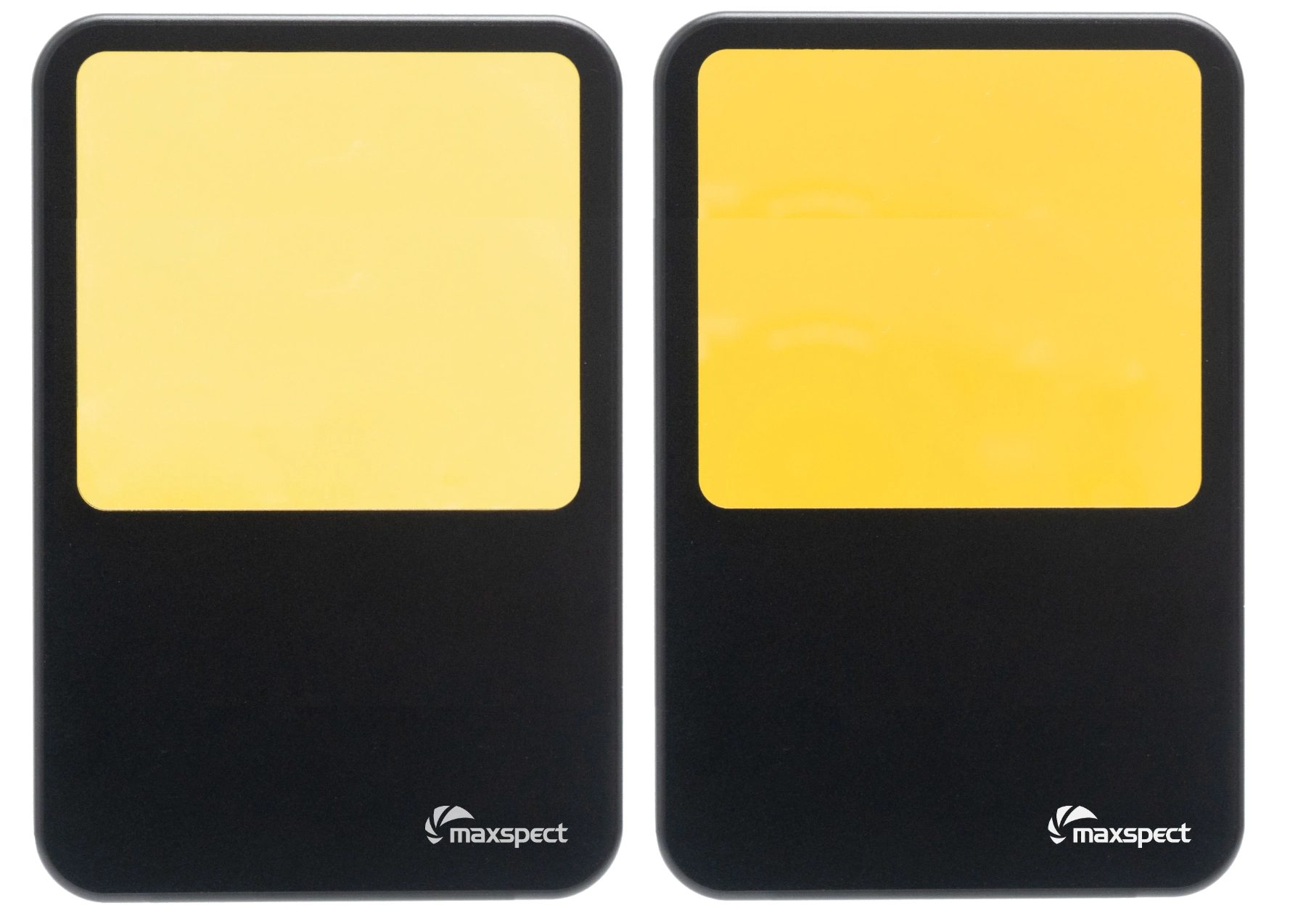
- Acrylic filter lenses that we use for taking aquarium photos are primarily in yellow or orange colors.
- They work by filtering out the blue spectrum of color, like the 400-420nm near-UV, the deep blue, royal blue, and even some cyan.
- The higher the Light Transmission Factor (LTF), the more blue spectrum light can get through the lens.
- The yellow lens allows some of the violets and blue gets through while the orange lens basically filters out all the violet, blue and cyan (aka High-Energy Visible light or HEV light).
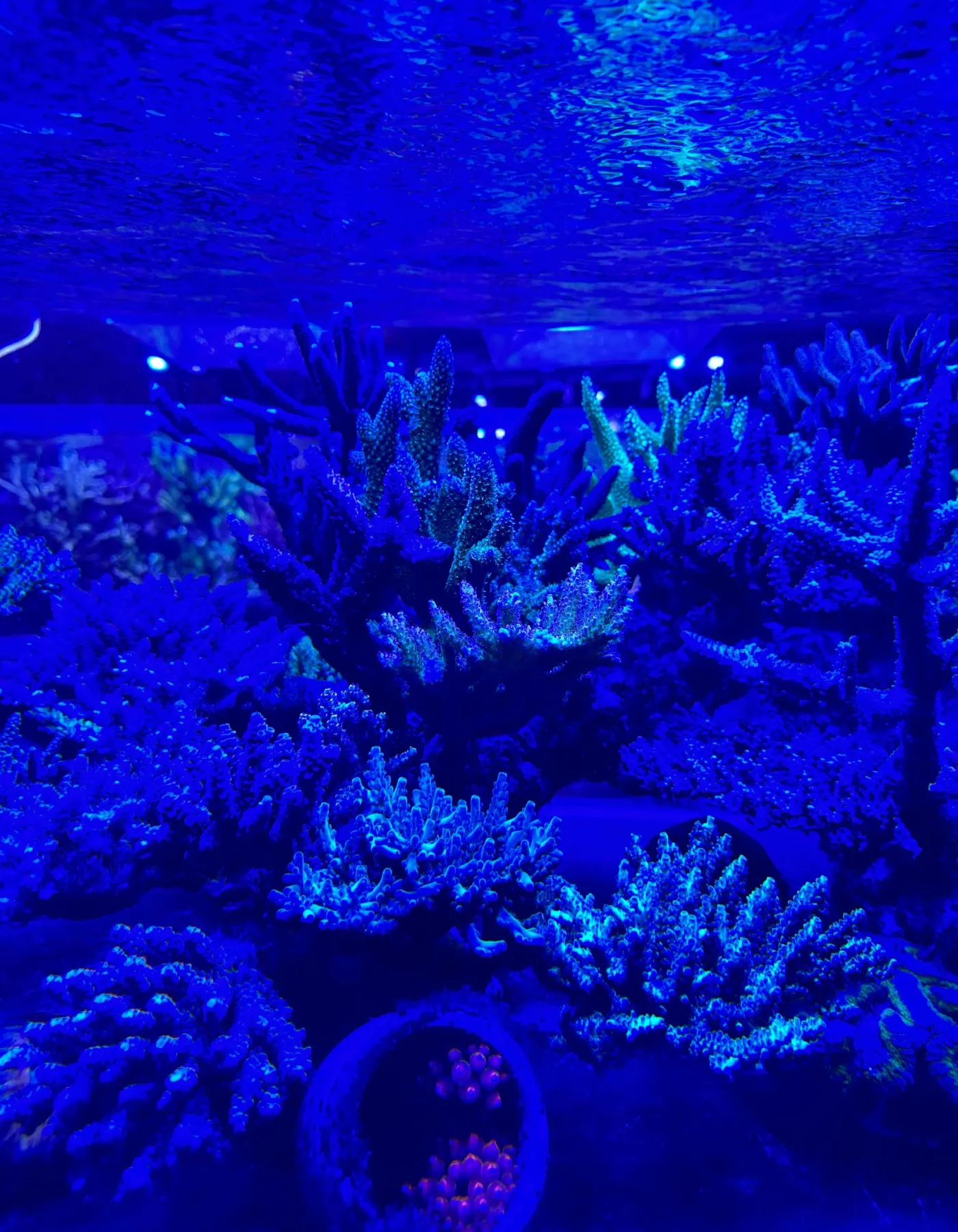
- When using these filter lenses to take photos, while the photos no longer washed out in blue, the filter lenses also eliminated all the fluorescent "pop" in your corals.
- Basically it doesn't matter what kind of acrylic filter lenses or any of the filter app used, they basically work in the same principle - by eliminating some or all the HEV blue light.
Filter Lens with Monomer Coating
- Over the years, we at Maxspect have been searching for the holy grail of filter lenses, one that will filter out the HEV blue light but not the fluorescent "pop" color created by near-UV light.
- And we have finally found it - filter lenses with a blue monomer coating.
- Monomer coated filter lenses are much paler in the yellow tone compared to regular acrylic filter lenses.
- This is because the blue filter monomer coating reflects away a percentage of HEV blue light.
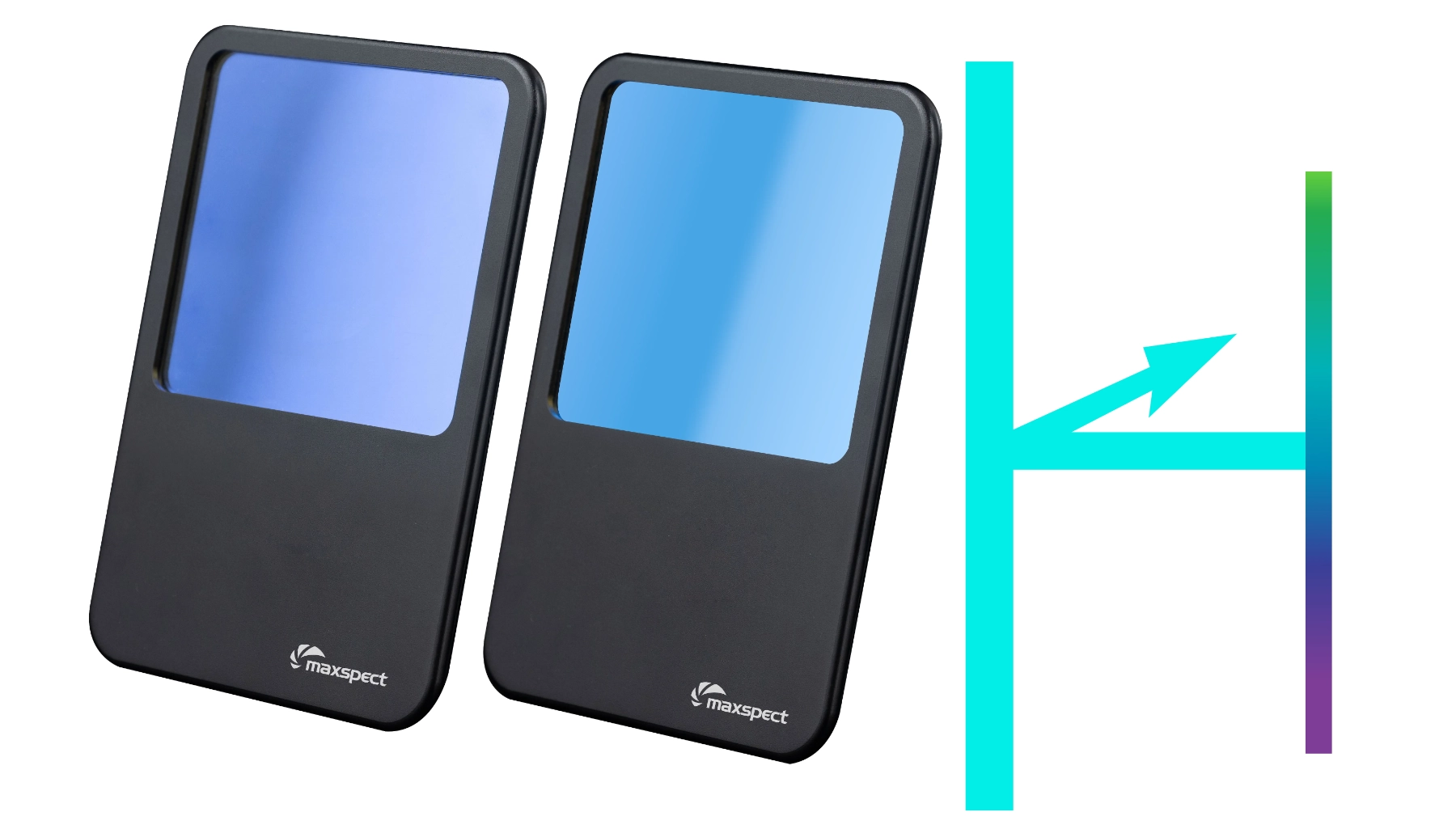
TrueReef Filter Lens has a blue filter monomer which reflects away a percentage of HEV Blue Light.
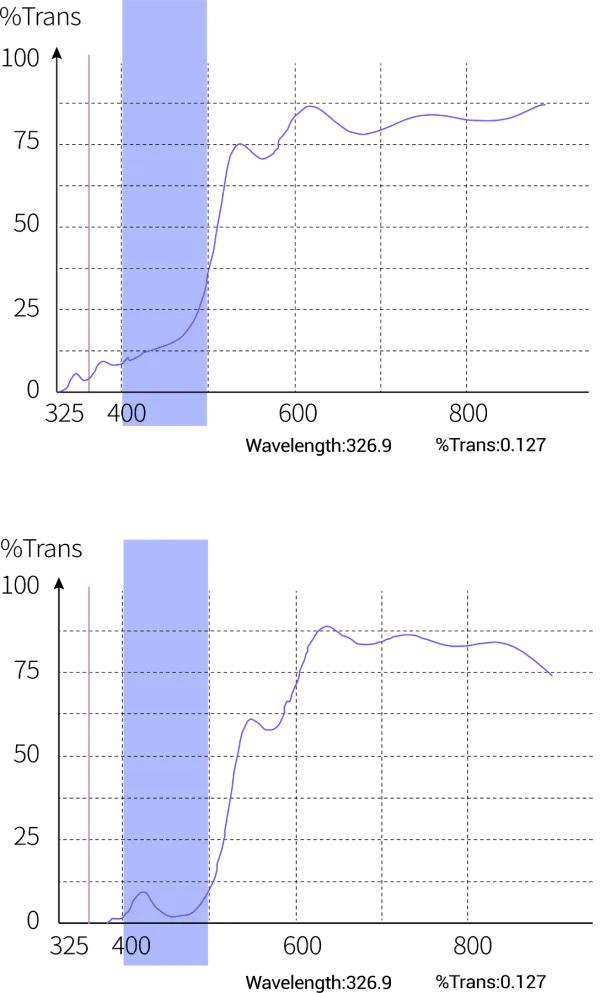
- These charts show the amount of HEV light getting reflected then filtered by the monomer coated lenses.
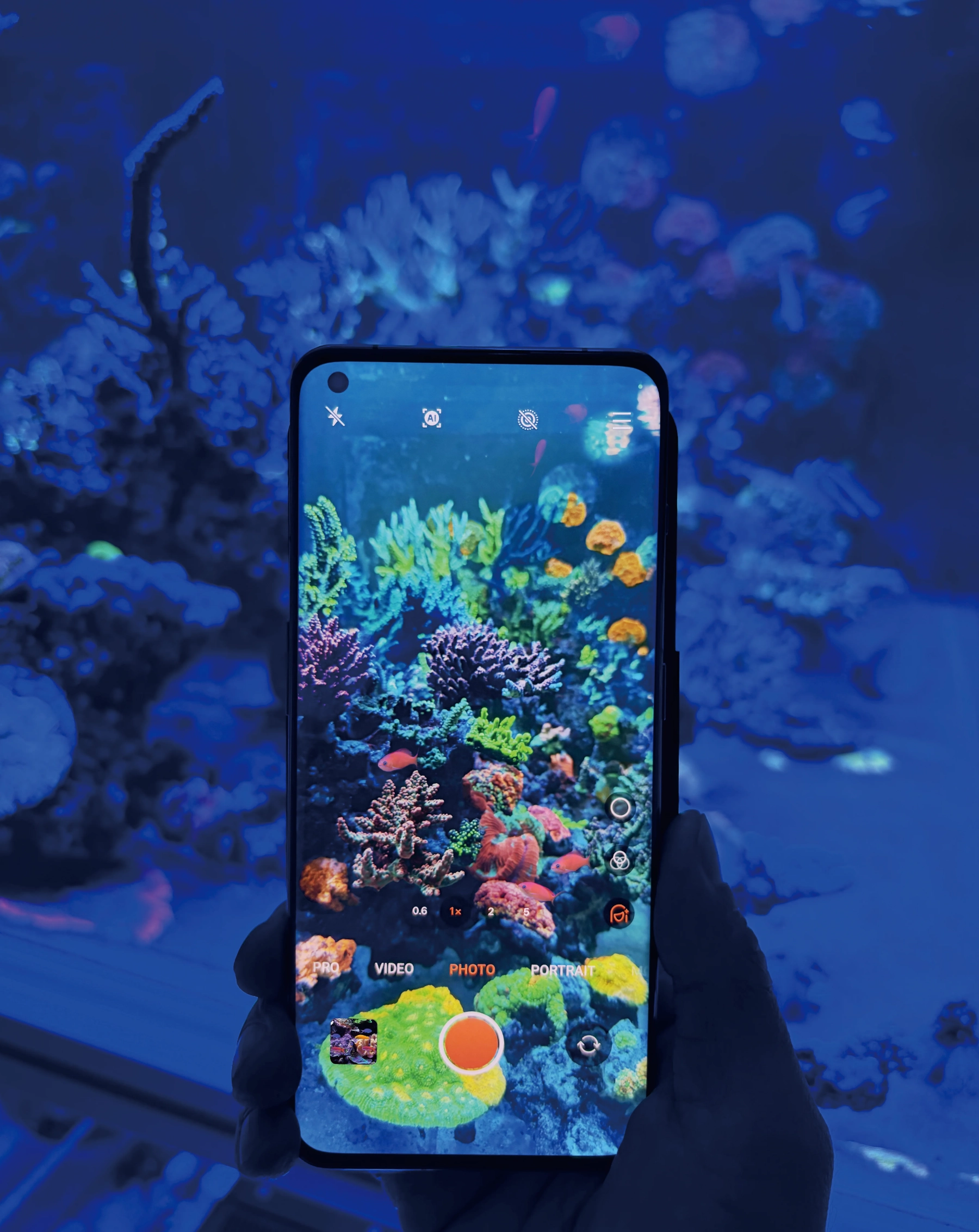
- A significant amount of near-UV light (420nm and below) i.e. the "pop" color, are preserved.
- This allows you to take vibrant and colorful coral photos without losing the fluorescent "pop" that makes coral so special.

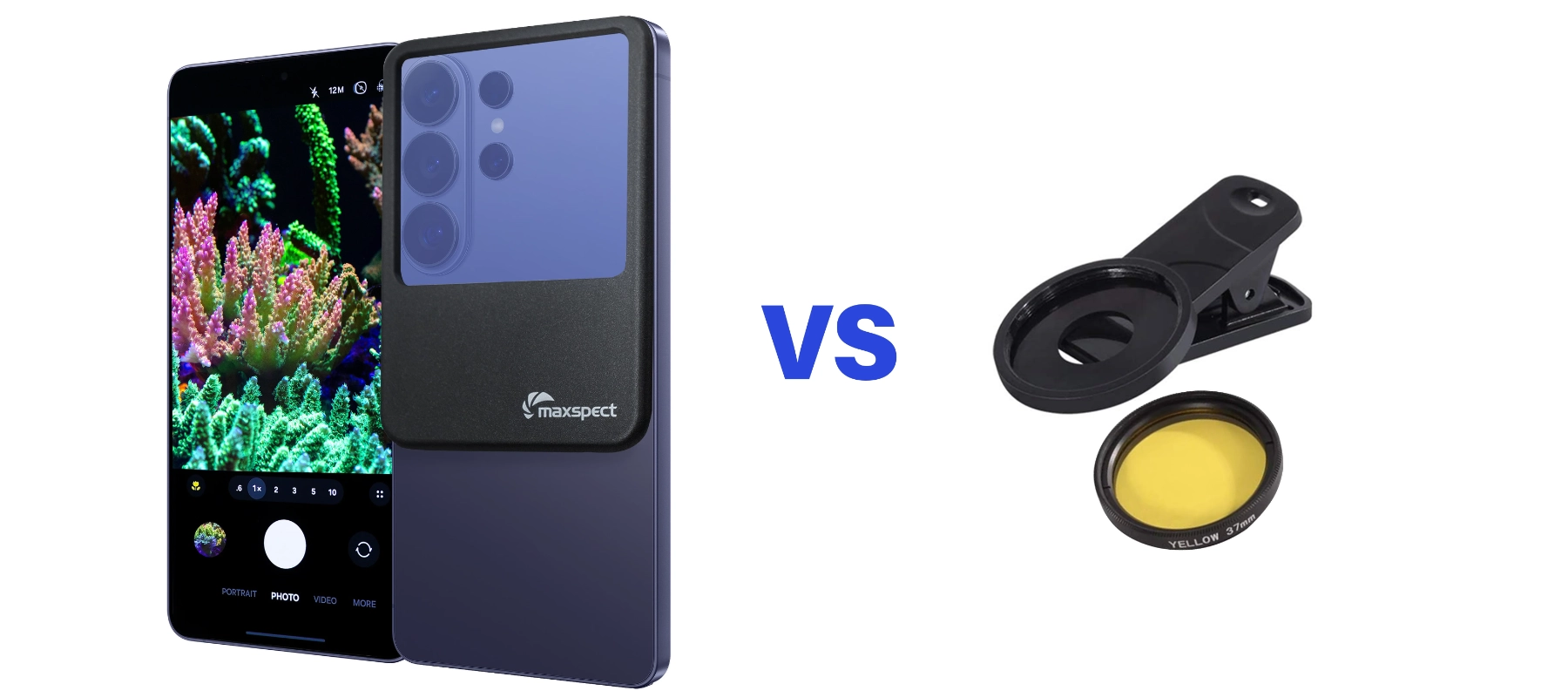
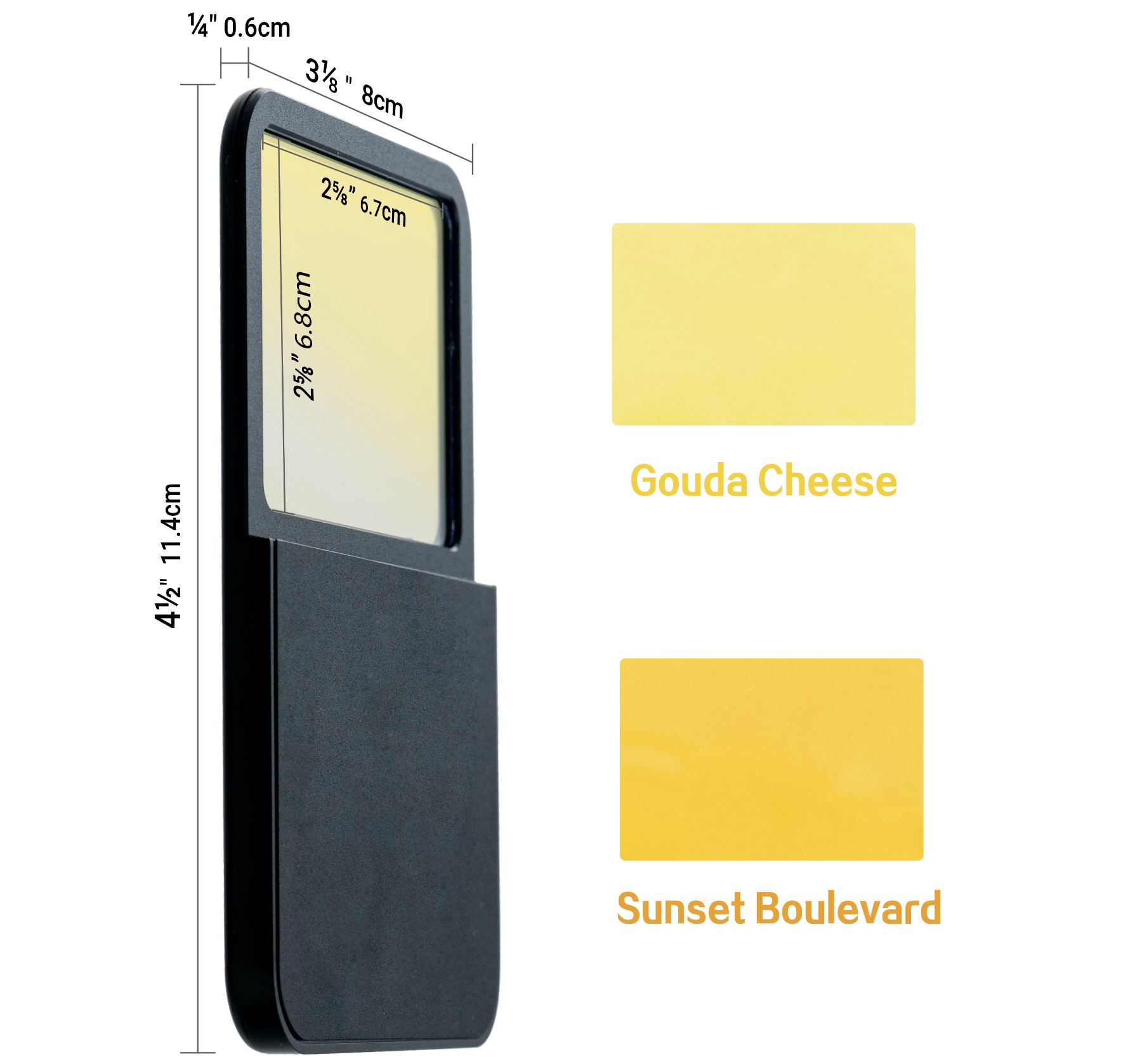
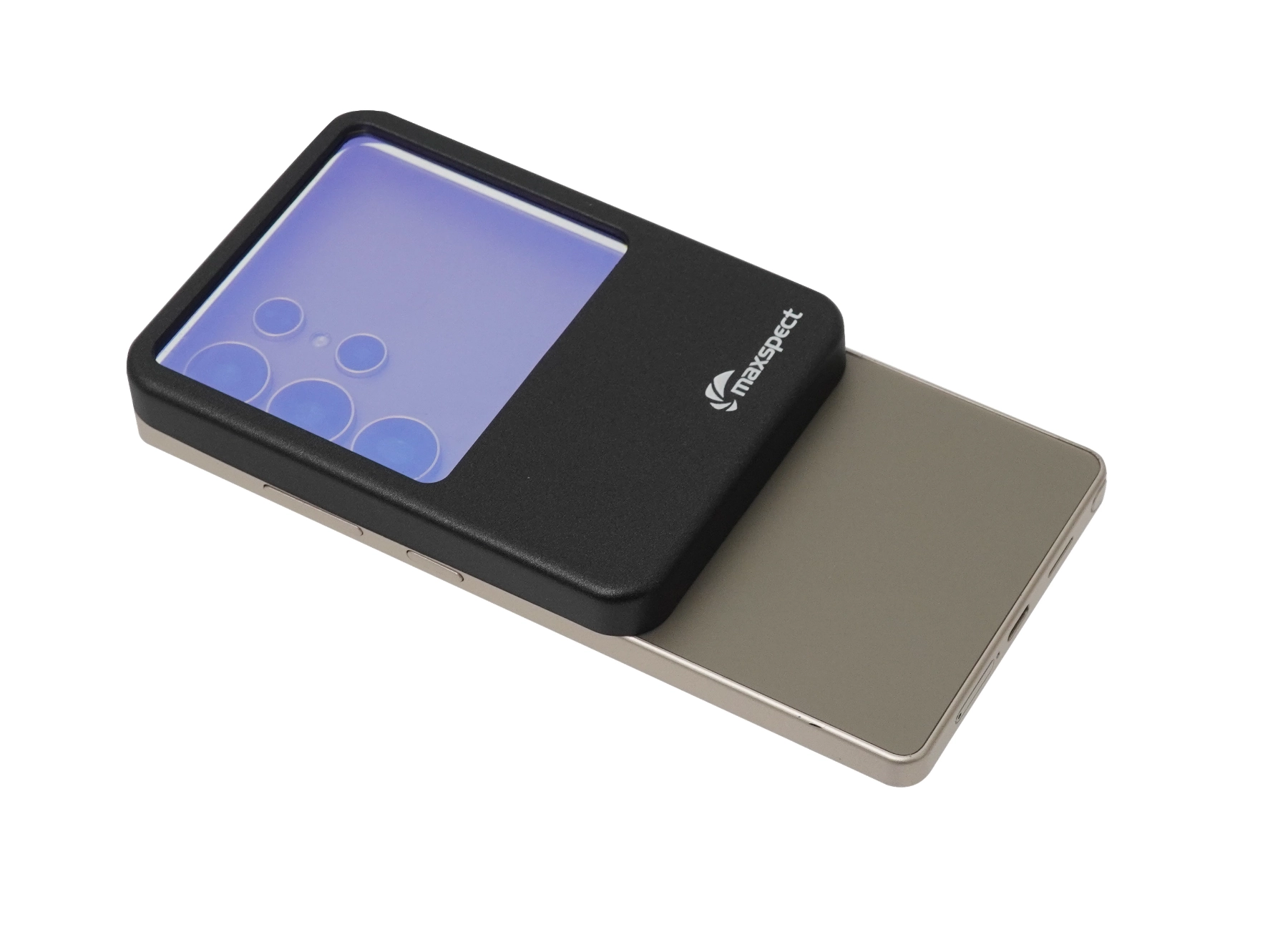
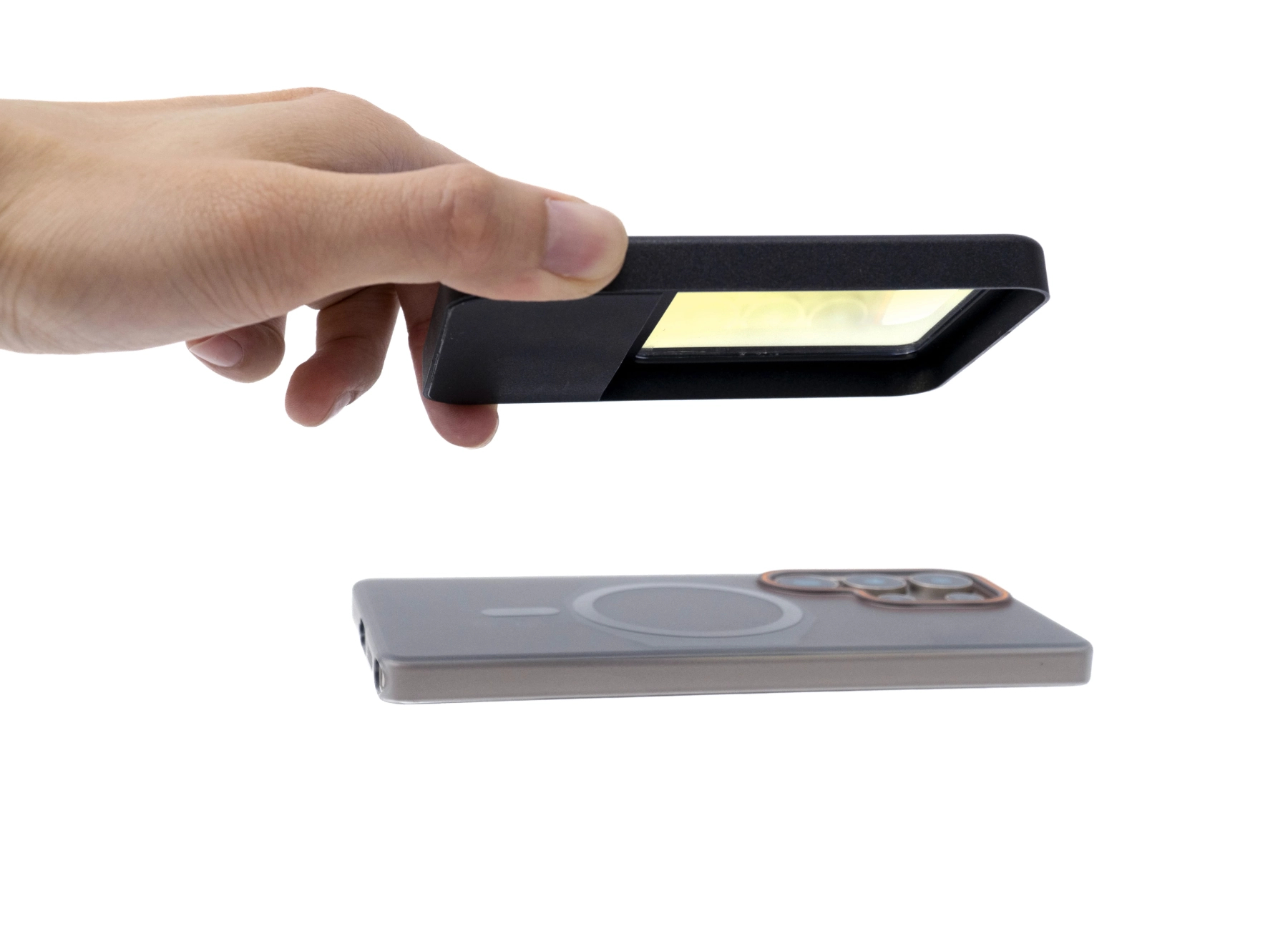
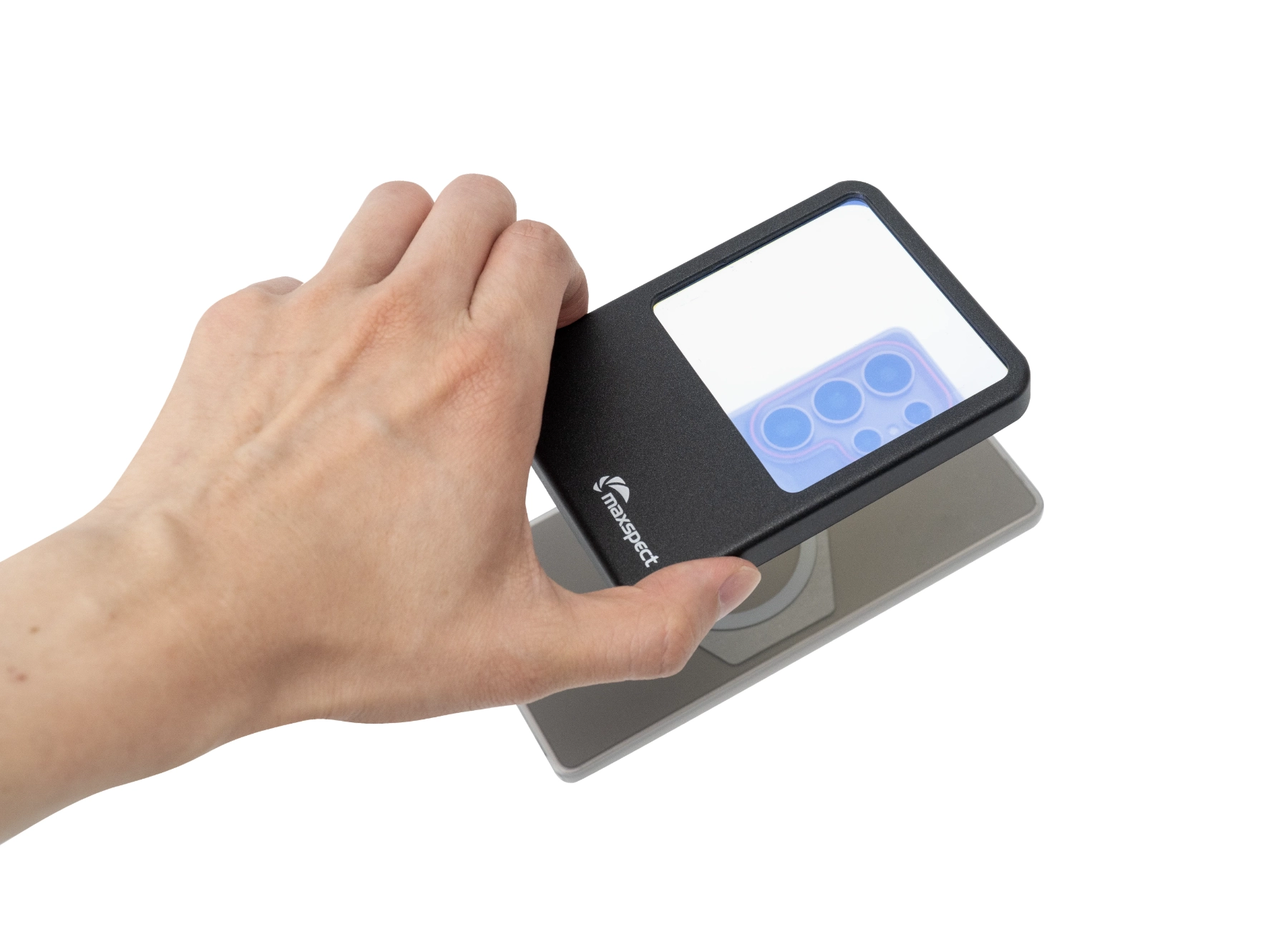
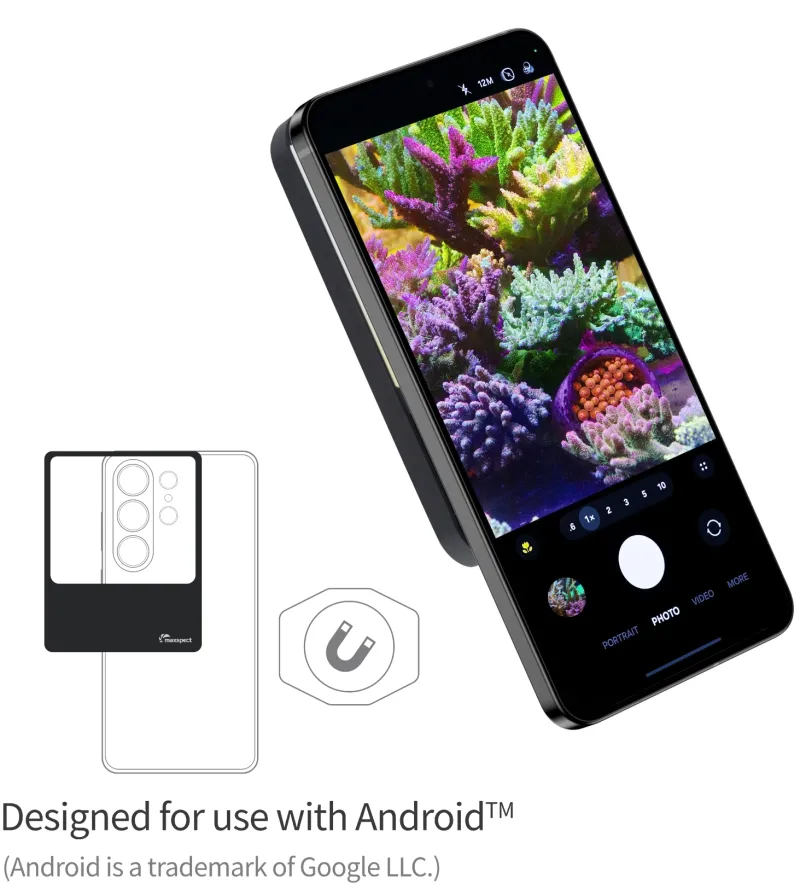
- Filter lenses are specifically designed for Android's diverse camera setups. With a larger coverage area, they effectively handle varying lens sizes across all Android models, ensuring frame-free shots.
- Crafted with a lightweight plastic body and high-quality glass lenses, these filters offer a premium aesthetic, especially when paired with Android phones.
- Clipping may scratch phone surfaces, particularly those with tempered glass or protective cases, which can prevent secure attachment.
- When focusing closely, some circular filters may cause the lens frame to become visible, potentially impacting the shooting effect.
Additional tips and techniques
- Use a higher aperture and faster shutter speed or adjust the EV to slightly negative, they do the same thing (allowing less light entering the camera)
- Don't use ISO higher than 800 (too much noise).
- Lower your deep blue (480nm), royal blue (440nm) channels and/or cool white channels.
- Increase your warm white channels.
- Aim your phone perpendicular to the glass panel.
- Turn off ambience background light.
- Leave auto white balance on.